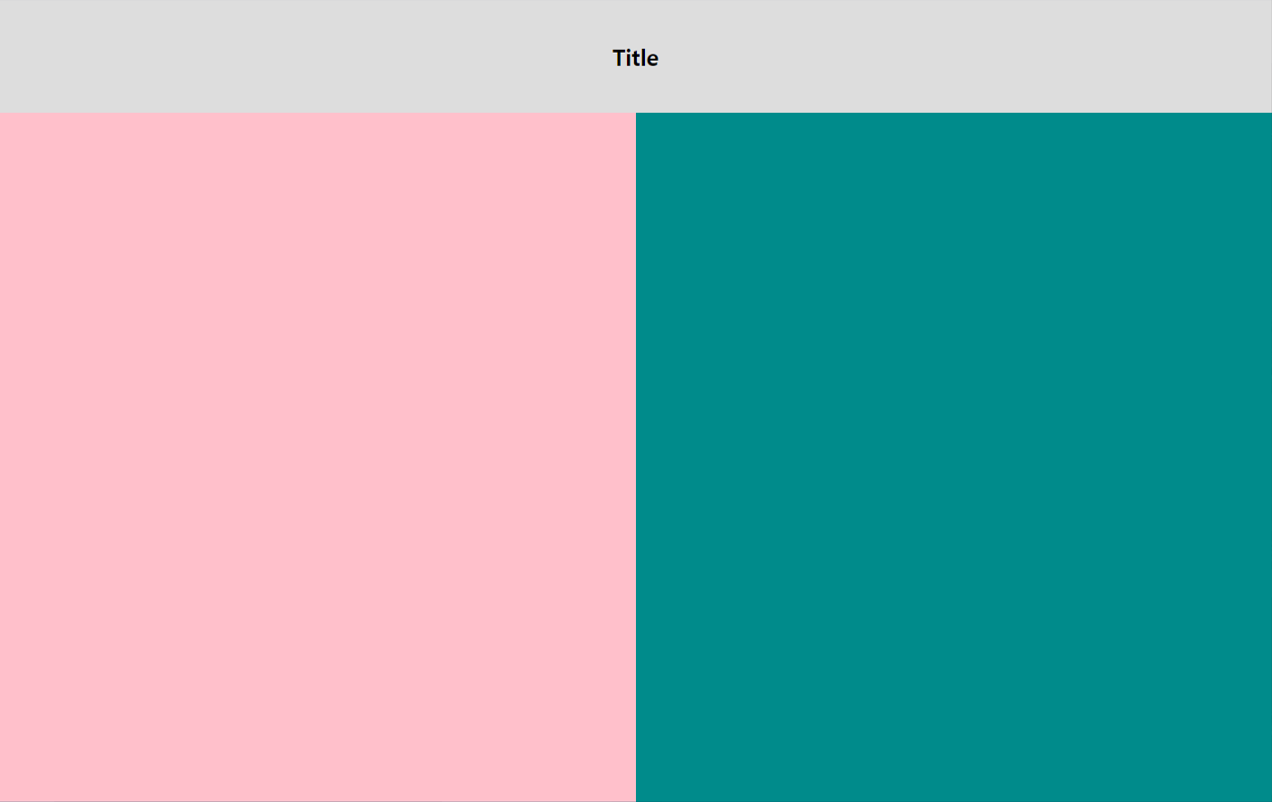
<!DOCTYPE html>
<html>
    <head>
        <meta charset="utf-8">
        <meta name="viewport" content="width=device-width, initial-scale=1.0">
        <title>문서 전체에 배경색을 주는 방법</title>
        <style>
        /* div요소의 width는 부모 요소 컨텐츠 영역에 의해 결정되므로 height 값만 주면 됨
           #box 요소에 height값을 100%로 줘도 전체에 배경색을 주지 못한다
           그 이유는? div요소의 height는 내부 콘텐츠에 의해 결정되는데 담고 있는 내부 컨텐츠가 없으므로
            #box {
                height: 100%;
                background-color: darkcyan;
            } */

        /* 전체 화면 구성하는 방법 (1) */
            html, body {
                height: 100%;
                background-color: darkcyan;
            }
            /* margin과 padding 값을 초기화 */
            body {
                margin: 0; padding: 0;

                /* absolute의 기준이 되는 위치를 지정하기 위해 */
                position: relative;
            }
        /* 전체 화면 구성하는 방법 (2) */
            #box {
                position: absolute;
                top: 0; bottom: 0; left: 50%/*0*/; right: 0;
                background-color: pink;
            }

        /* 뷰포트를 기준으로 고정 영역을 지정하는 방법 */
            #header {
                position: fixed;
                top: 0; left: 0; right: 0;
                height: 100px;
                background-color: #ddd;
                text-align: center;
                line-height: 100px;
                font-size: 20px;
                font-weight: 900;
            }
        </style>
    </head>

    <body>
        <div id="box">
            <header id="header">Title</header>
        </div>
    </body>
</html>
② vh 단위(viewport height) 사용하는 방법
<!DOCTYPE html>
<html>
    <head>
        <meta charset="utf-8">
        <meta name="viewport" content="width=device-width, initial-scale=1.0">
        <title>문서 전체에 배경색을 주는 방법</title>
        <style>
            body {
            /* margin과 padding 값을 초기화 */
                margin: 0; padding: 0;
                background-color: darkcyan;
            }

        /* 전체 화면 구성하는 방법 (2) */
            #box {
                height: 100vh;
                width: 50%;
                background-color: pink;
            }

        /* 뷰포트를 기준으로 고정 영역을 지정하는 방법 */
            #header {
                position: fixed;
                top: 0; left: 0; right: 0;
                height: 100px;
                background-color: #ddd;
                text-align: center;
                line-height: 100px;
                font-size: 20px;
                font-weight: 900;
            }
        </style>
    </head>

    <body>
        <div id="box">
            <header id="header">Title</header>
        </div>
    </body>
</html>